How Do Search Engines Crawl and Index?
Before anything else in SEO matters, your pages need to actually be crawled and indexed. Here's how that process really works, and how to check yours.
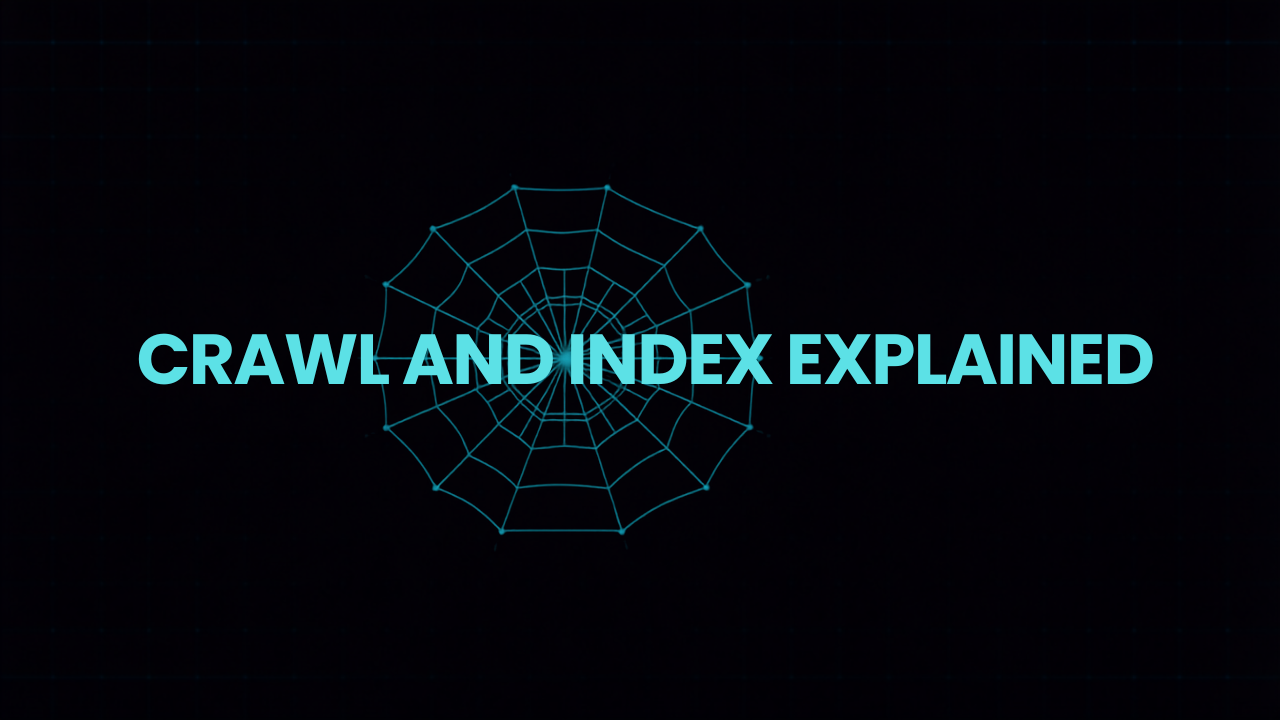
Before a page can rank for anything, it has to clear two hurdles most people never think about: getting crawled, and getting indexed. Skip either step and it doesn’t matter how good your content is. It simply doesn’t exist as far as Google is concerned.
Crawling: how Google finds your pages in the first place
Google uses automated programs called crawlers, or spiders, that follow links from page to page across the entire web, discovering new and updated content along the way. A crawler arrives at your site, reads a page, follows every link on it to find more pages, and repeats that process continuously.
This is why internal linking matters more than most people realize. A page with no links pointing to it from anywhere else on your site, an “orphan page,” is genuinely difficult for a crawler to discover at all. If a page matters, link to it from somewhere a crawler will actually reach.
Your robots.txt file and your sitemap both talk directly to crawlers. Robots.txt tells them which parts of your site not to bother with. Your XML sitemap does the opposite: it hands crawlers a direct list of every page you want found, which is especially useful for large sites or pages that are hard to reach through normal navigation.
Indexing: what happens after a page gets crawled
Getting crawled doesn’t automatically mean getting indexed. After a crawler reads a page, Google decides whether to store it in its index, the enormous database it actually pulls search results from. A page can be crawled and still never make it into the index if Google decides it’s low-value, duplicate, or blocked by a noindex tag.
This is exactly what Search Console’s Pages report shows you: how many of your URLs are “Indexed,” and how many are stuck in states like “Discovered, not indexed” or “Crawled, not indexed.” A large or growing pile of unindexed pages is one of the clearest technical warning signs a site can show, usually pointing to thin content, duplication, or a crawl budget being wasted on pages that don’t deserve the attention.
Why “crawl budget” matters more than it sounds
Google doesn’t crawl every page on the internet infinitely often. Each site gets an effective budget of crawler attention, based on factors like site size, authority, and how efficiently the site is structured. If that budget gets burned crawling thousands of near-duplicate, low-value URLs, like the kind a poorly configured faceted navigation or filter system can generate, your genuinely important pages get crawled less often, and updates to them take longer to show up in search results at all.
The practical checklist
- Submit an XML sitemap through Search Console and keep it updated automatically as pages are added or removed.
- Check your robots.txt file isn’t accidentally blocking sections of your site you actually want indexed. This happens more often than you’d expect, especially after a site redesign.
- Make sure every important page has at least one internal link pointing to it from elsewhere on your site.
- Regularly check the Pages report in Search Console for URLs stuck in “Discovered, not indexed” or “Crawled, not indexed,” and investigate why.
- Use canonical tags to tell Google which version of a duplicate or near-duplicate page is the one you actually want indexed and ranked.
None of this is glamorous work, and it rarely shows up in a monthly report the way a new blog post does. But it’s the foundation everything else in SEO sits on top of. Once your pages are reliably being crawled and indexed, the next question becomes whether they’re actually written to match what people are searching for, which is where keyword research and search intent come in.